

Quick Fun: CSS3 Filter Effects
I quickly played with the brand-new CSS Filter Effects on the latest WebKit Nightly! (Edited: Now also supported on Chrome Canary 18.0.976.0 +)
Click the images to view in the full size.
<img src=”/assets/images/wp-content/uploads/2011/12/default-300x235.png” alt=”no filter” title=”no filter” width=”300” height=”235” align=”left” size-medium wp-image-412” />
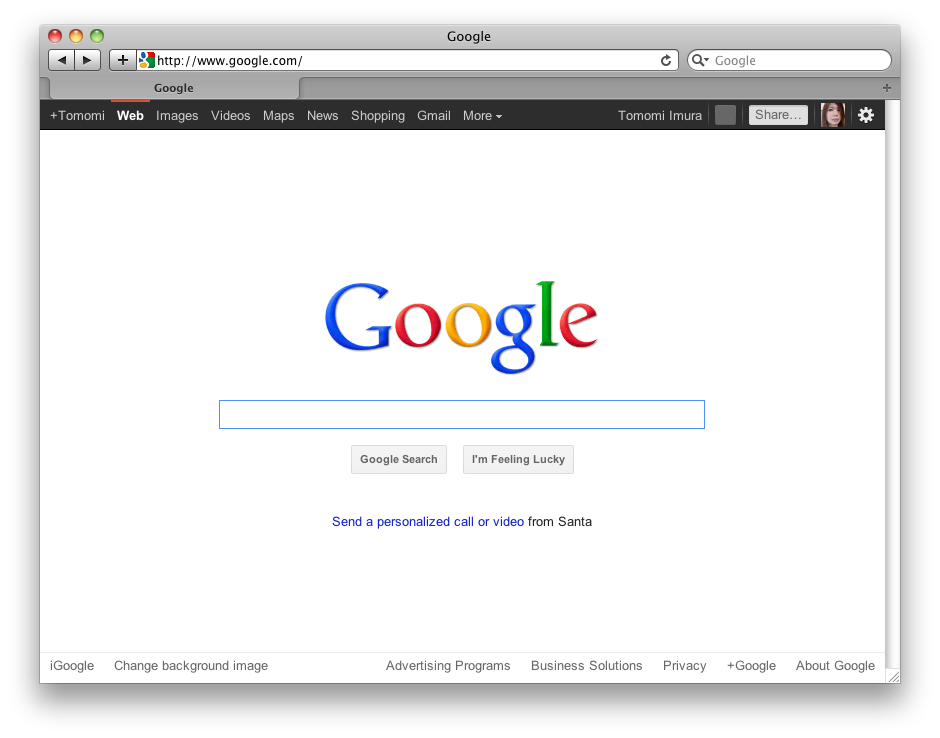
This is a default google.com screen.
No filter added.
<img src=”/assets/images/wp-content/uploads/2011/12/blur-2px-300x235.png” alt=”filter:blur(2px)” title=”filter:blur(2px)” width=”300” height=”235” align=”left” size-medium wp-image-413” />
blur(radius) to create Gaussian blur

-webkit-filter: blur(2px);
The default is 0, no blur.
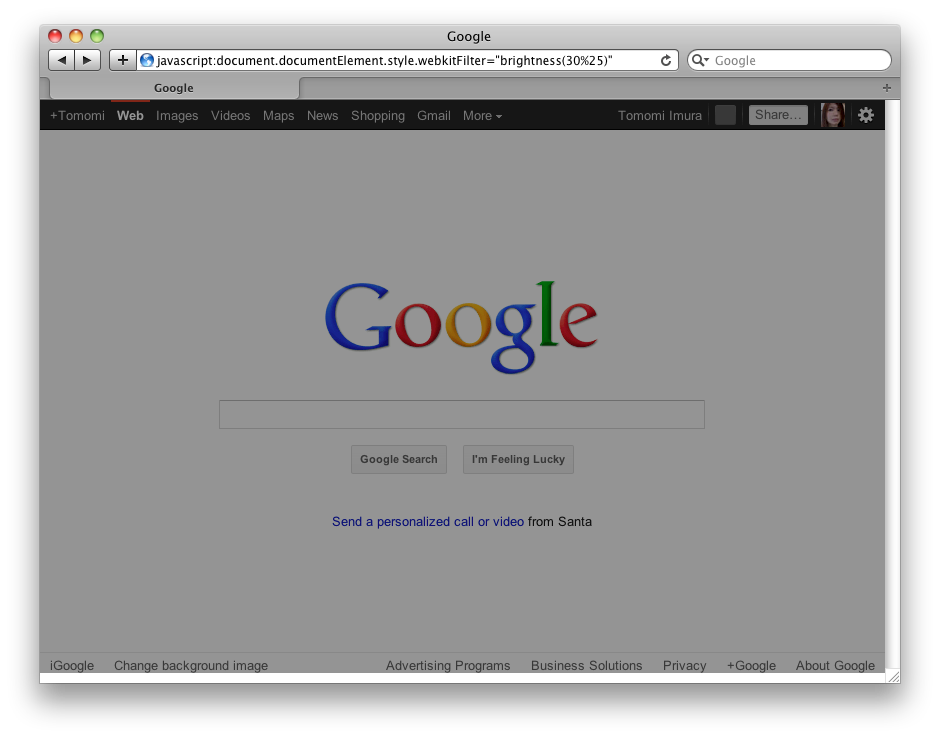
-webkit-filter: brightness(30%);
The default is 100%. Values of amount over 100% are allowed.
Updated: I am not sure when it has modified, but it seems that not the accepted value is the range between -100% (dark) and 100% (light), and the default is 0.
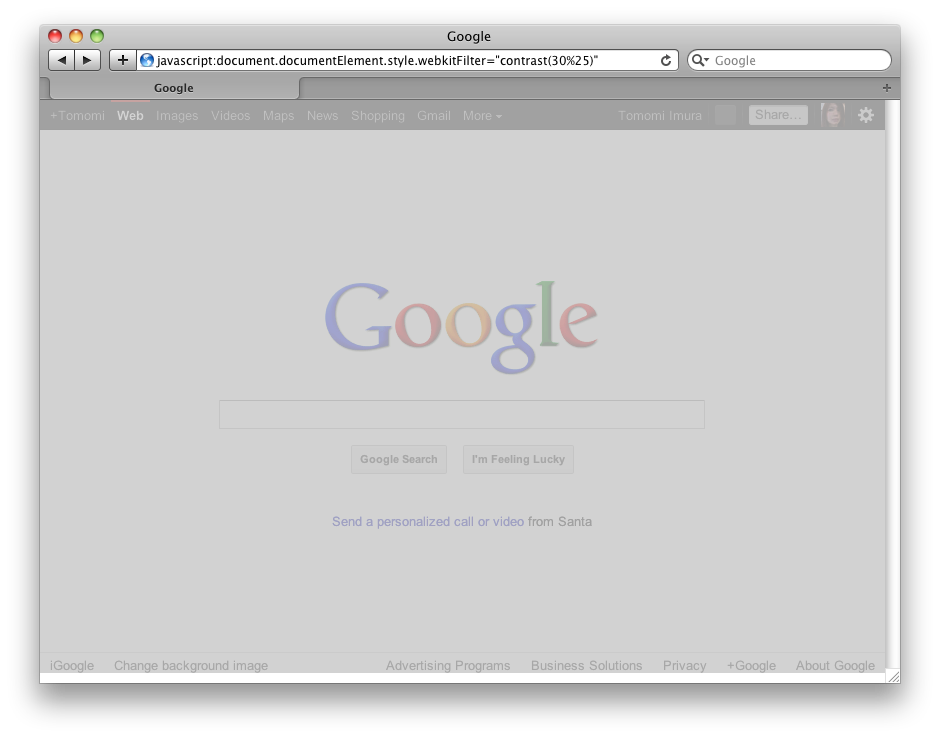
-webkit-filter: contrast(30%);
The default is 100%. Values of amount over 100% are allowed.
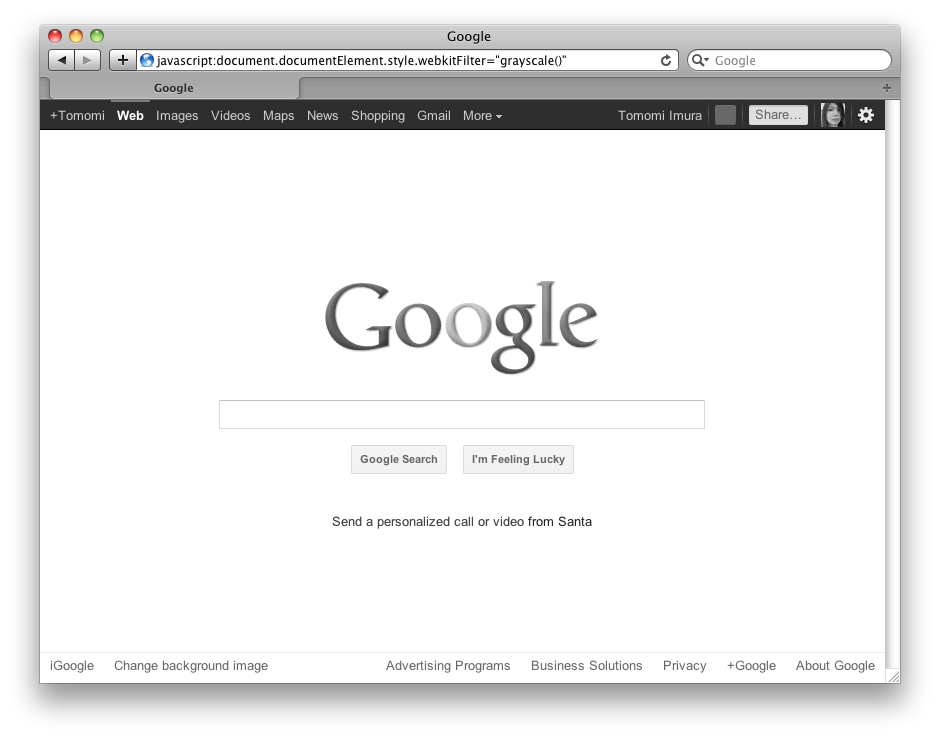
-webkit-filter: grayscale();
The default is 100%.
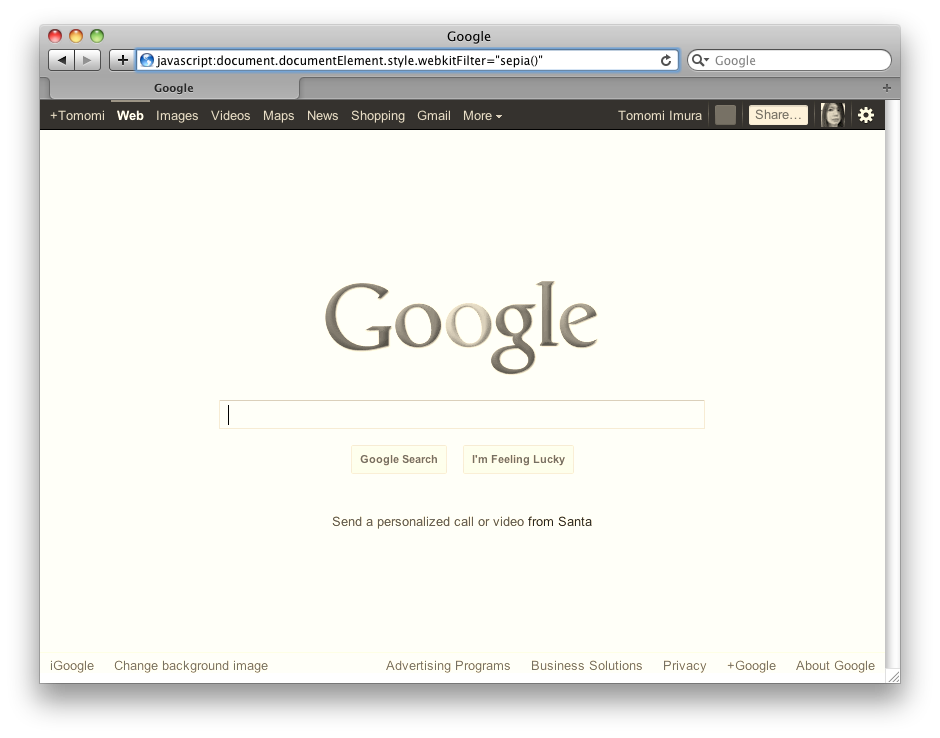
-webkit-filter: sepia();
The default is 100%.
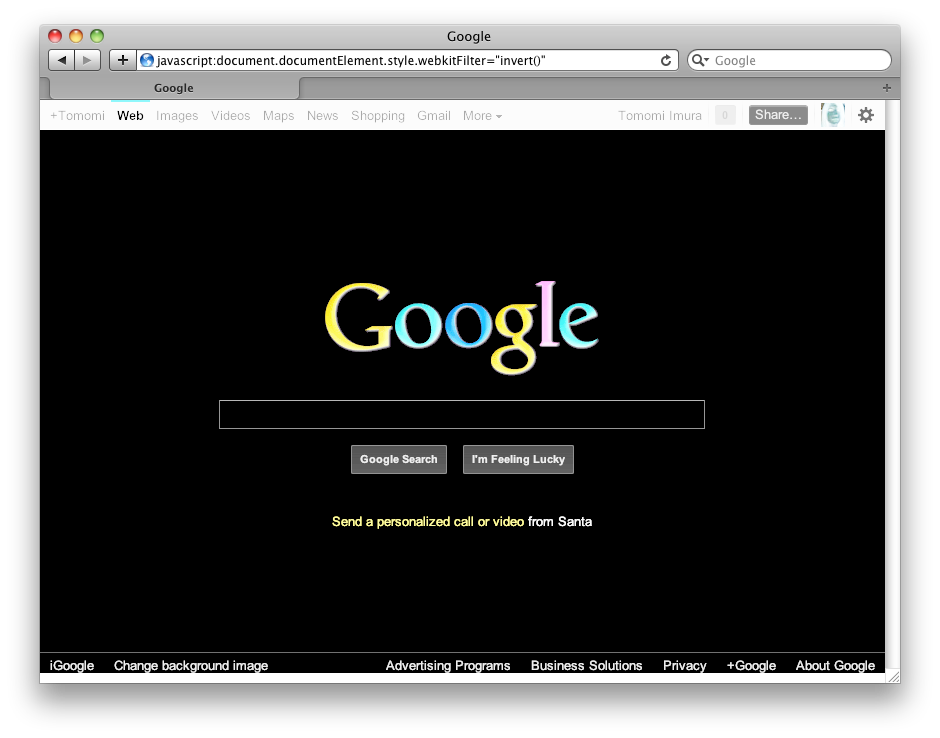
-webkit-filter: invert();
The default is 100%.
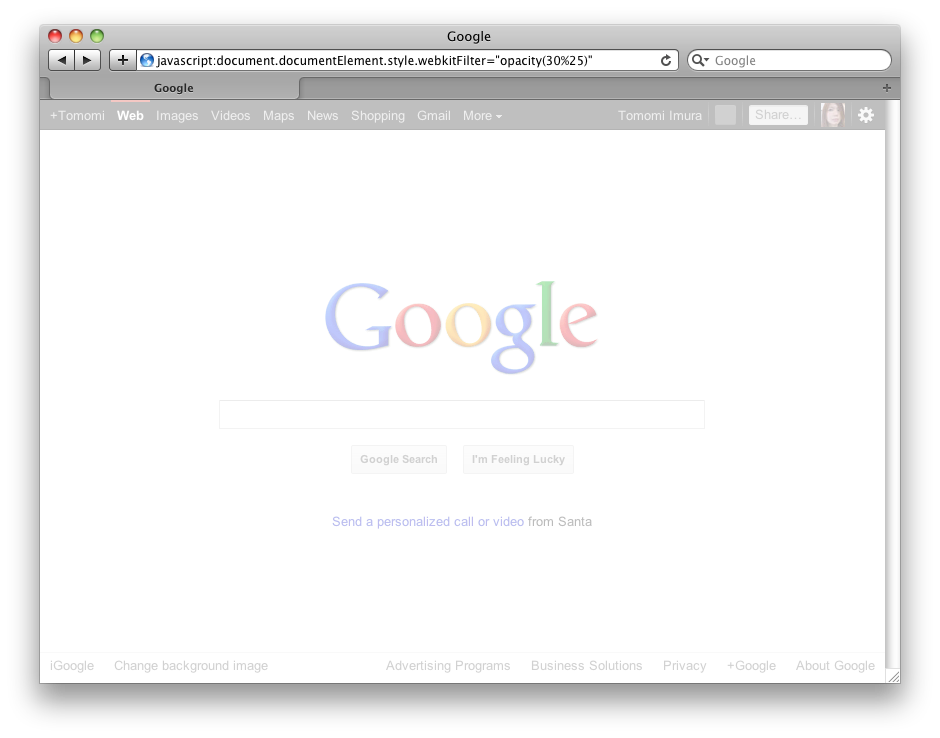
-webkit-filter: opacity(30%);
The default is 100%, no transparency.
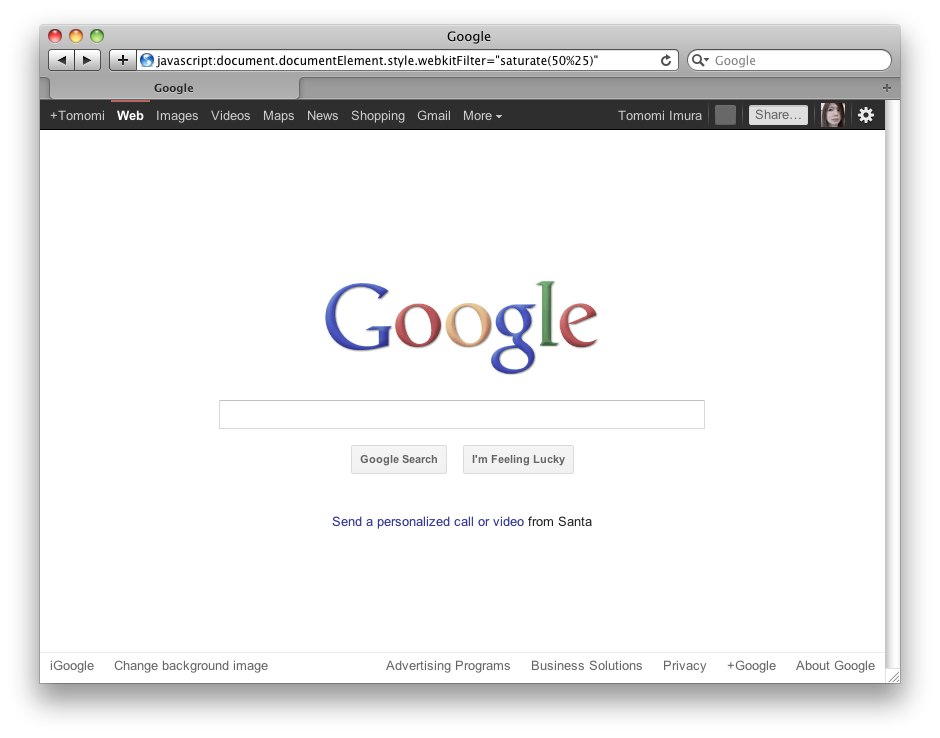
-webkit-filter: saturate(50%);
The default is 100%.
<img src=”/assets/images/wp-content/uploads/2011/12/saturate-300-300x235.png” alt=”filter:saturate(300%)” title=”filter:saturate(300%)” width=”300” height=”235” align=”left” size-medium wp-image-436” />
Saturate(amount) – the amount over 100% is also allowed.
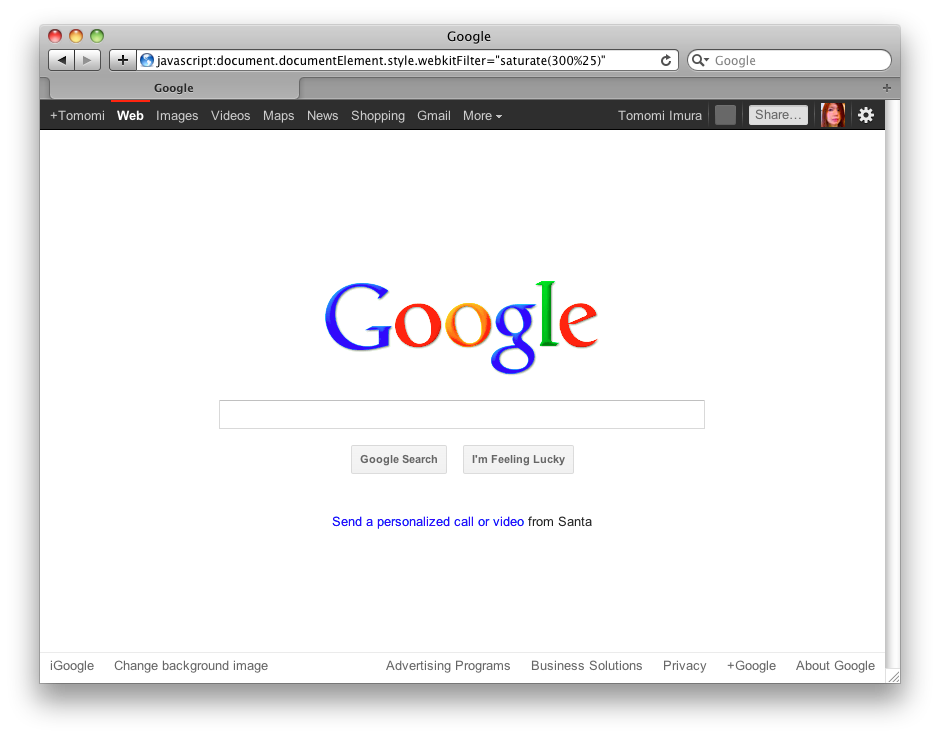
-webkit-filter: saturate(300%);

-webkit-filter: hue-rotate(90deg);
The default is 0deg.
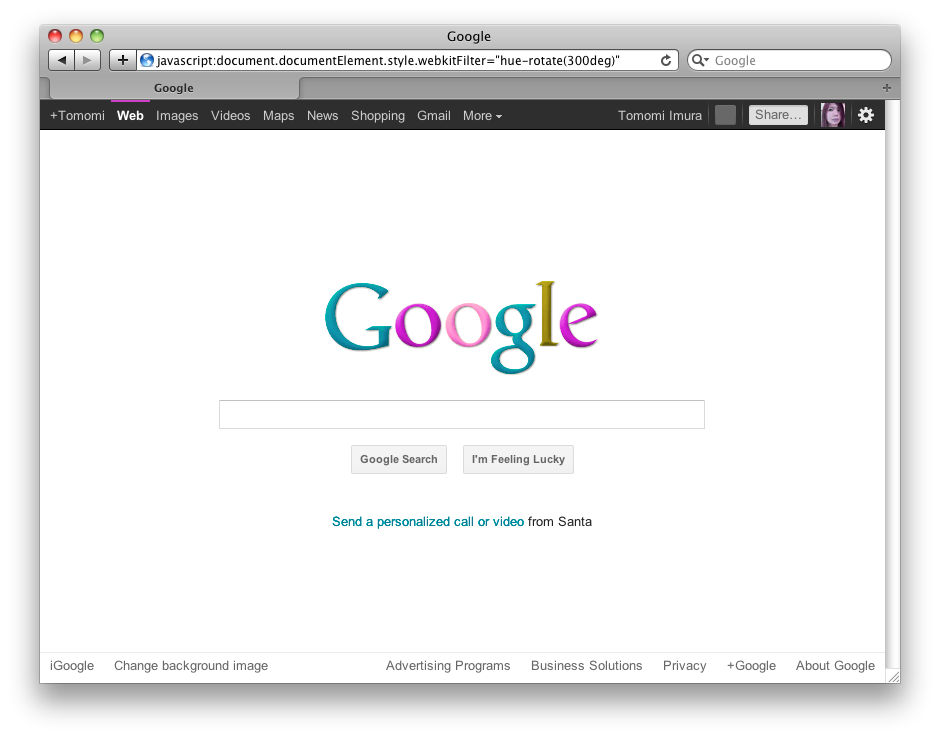
-webkit-filter: hue-rotate(300deg);
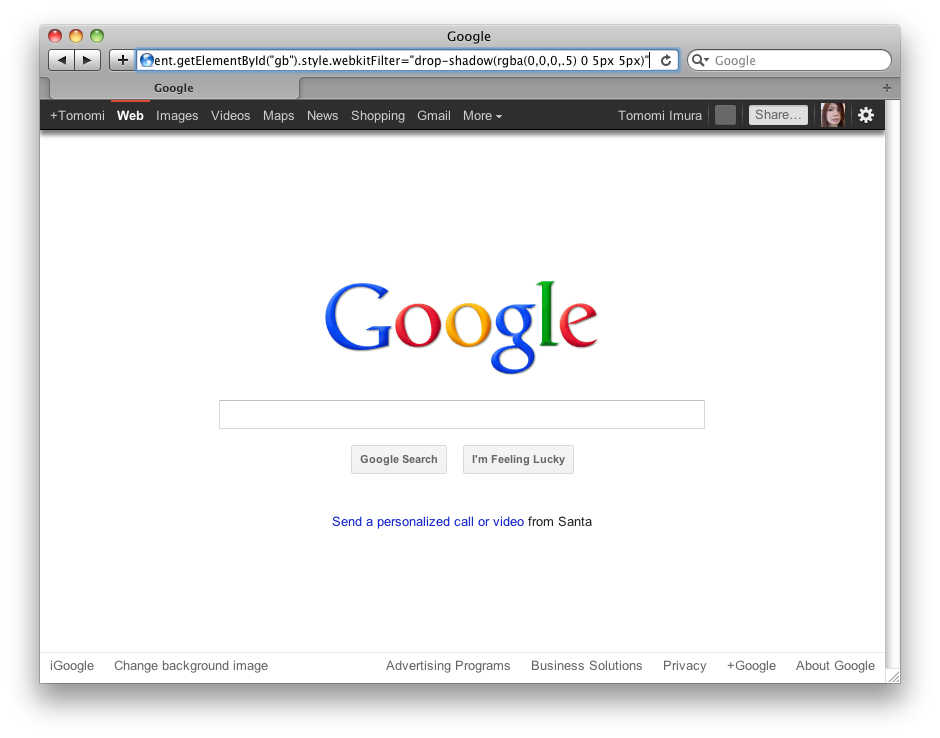
/* Adding Drop-shadow on the toolbar at the top */

#bg {
  -webkit-filter: drop-shadow(rgba(0,0,0,0.5) 0 5px 5px);
}
comments powered by